Animation For Video: How to Create And Add Animations To Your Video Content
Table of Contents
In today’s digital age, video content has become a powerful tool for marketers and content creators to engage and captivate their audiences.
One effective way to make videos stand out is by incorporating animation into your videos. Animation adds a dynamic and visually appealing element to videos, making them more compelling and memorable.
However, creating animations can be a complex task, which is why it’s crucial to use a reliable animated video creator like Video Igniter to help you create your dream video.
In this comprehensive guide, we will explore the power of creating and adding animation for videos, how to start making your animation with Video Igniter, what it costs to make an animation online and how long the production experience will take.

I. Understanding the Power of Animation in Videos
Creating and adding an animation to your video projects has a significant impact on your video content. Animated clips made for your animation enables you to convey complex ideas, create emotional connections, and deliver information in an entertaining and visually appealing way.
There are various types of animations commonly used in videos, including 2D, 3D, motion graphics, whiteboard animation, cel animation and character animation. Each style has its unique characteristics and applications, giving you the flexibility to choose the one that best suits your video’s purpose and target audience.
II. How To Create Animation For Your Video
A. Planning and Conceptualizing

Before diving into production, it’s important to plan and conceptualize your video. Start by defining your target audience and goals. Understand who you’re trying to reach and what message you want to convey.
We recommend filling out this questionnaire to think through the important details of your project. If you have writers on your team, it’s also worth it to spend some time outlining the script and storyboard for your animation. That being said, if you don’t want to create the script or the storyboard, Video Igniter can create them for you.
B. Choosing the Right Animation Style
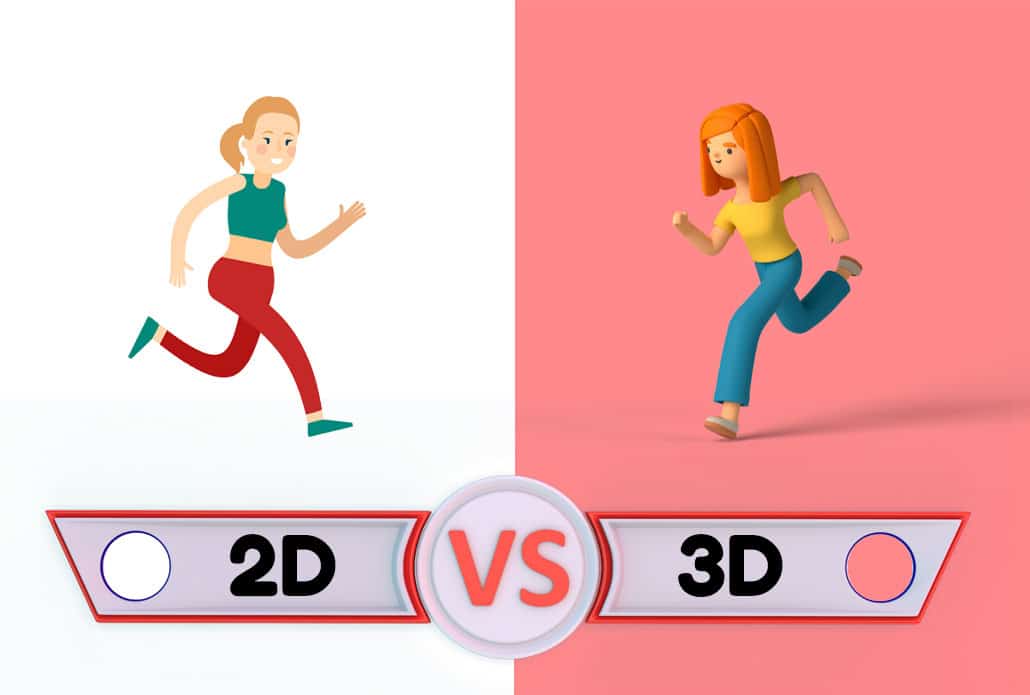
Selecting the right animation style is crucial for ensuring that your video effectively communicates your message. Consider the tone and style you want to use to communicate with your target audience and choose a visual style that aligns with your brand and video content.
Video Igniter creates custom animated videos and can help you create any style of animation you can imagine. This variety enables you to create the perfect video that resonates with your target audience and enhances the impact of your message.
C. Creating and Customizing Animations

Once you have a plan and chosen an animation style, it’s time to create your animations. Video Igniter provides a streamlined animated video production service that makes the animation creation accessible to everyone, including those without prior video production experience.
Our production team guides you through the entire production process. Request a custom quote and describe the animation you need. Our team will confirm how to share project files, review illustrations and voiceover options, provide feedback, and approve each stage before production begins.
III. Adding Animation Into Your Video
To add animation into your video, start by importing your video footage into a video editing app. Then, drag and drop the animated video we created for you into the video editing program.
You can layer animations on top of or in between your existing footage, ensuring a seamless blend between animations and real-world content. This integration of animation for your video creates a cohesive and professional look, enhancing the overall quality of your video.
IV. Exporting and Sharing Your Animated Video

Once you have added your animated video into your video project file, it’s time to export and share it with the world. Whether you’re sharing your video on social media, embedding it on your website, or presenting it in a meeting, Video Igniter ensures your animation is compatible across all platforms and devices. With just a few clicks, you can export and share your animated video and make an impact on your audience.
Why Animation In Videos Outperforms Static Content

The case for adding animation to your video content goes well beyond aesthetics. Research consistently shows that viewers retain information significantly better when it is presented as an animated video compared to text or static images alone. This is rooted in a concept called dual coding — the brain processes visual and verbal information through separate channels simultaneously, which deepens comprehension and memory.
For marketers, this translates into concrete performance advantages. Animated videos on landing pages have been shown to increase conversion rates. Animated social media posts generate higher engagement than static image posts. Email campaigns that include animated video content see improved click-through rates. These are not marginal gains — they represent a meaningful competitive edge for businesses willing to invest in quality animation for their video strategy.
Beyond retention and conversions, animation gives brands a way to communicate emotion and personality that raw footage sometimes cannot. A character’s expression, a playful transition, or a satisfying motion graphic sequence can make viewers feel something — and emotion is the primary driver of purchasing decisions.
Common Use Cases for Animation in Video Content

Understanding where animation fits into your video content strategy helps you prioritize where to invest. Here are the most impactful applications:
Intro and Outro Sequences: Animated intros and outros give your video content a polished, professional identity. A consistent animated intro reinforces brand recognition every time a viewer watches one of your videos, whether on YouTube, Instagram, or your website. Over time, viewers begin to associate that visual signature with your brand’s quality and reliability.
Lower Thirds and Titles: Animated text overlays — commonly called lower thirds — add context, introduce speakers, and reinforce key messages without interrupting the flow of your video. These small animated elements dramatically improve the perceived production value of interview-style or talking-head videos.
Explainer Segments: Long-form videos often include sections where a concept needs deeper explanation. Cutting to a short animated segment — rather than trying to explain something purely through narration or on-screen text — holds viewer attention and communicates complex ideas more efficiently.
Product Demonstrations: For software products, physical goods with internal mechanics, or services with multi-step processes, animated product demos within a video give viewers a clearer picture of how something works than any live-action alternative.
Data Visualization: Charts and statistics presented as static slides inside a video are easily ignored. Animated data visualizations — where bars grow, lines travel across a graph, or numbers count up in real time — transform dry information into engaging storytelling moments.
Transitions and Motion Graphics: Thoughtfully animated transitions between scenes give videos a cinematic quality that keeps viewers watching. Simple cuts can feel abrupt; animated transitions signal intentionality and keep the visual experience flowing smoothly.
How to Brief an Animation Studio for Your Video Project
Getting the most out of an animation studio begins with a well-prepared creative brief. Studios work faster, revise less frequently, and produce stronger results when clients come prepared. Here is what a strong brief for an animation-for-video project should include:
Project context: What is the video for? Where will it live — a website, a paid ad, a trade show booth, an internal training portal? The intended platform shapes every creative decision, from aspect ratio to pacing to tone.
Audience description: Who will watch this? A B2B animation aimed at CFOs requires a very different visual language than a consumer animation targeting college students. The more specific your audience description, the better your animation studio can tailor the work.
Tone and style references: Gather three to five examples of animation styles you admire — even from outside your industry. These references communicate far more than written descriptions. If you want your animation to feel “energetic but professional,” show examples rather than just saying it.
Existing brand assets: Share your brand style guide, logo files, color palette, and any existing video content. Animation that matches your established visual identity integrates seamlessly into your broader video content library.
Script or key messages: Even a rough outline of what the animation needs to say is more useful than starting from scratch. If you have key messages, taglines, or call-to-action language that must appear in the video, include them in the brief.
Approval stakeholders: Let the studio know upfront how many people need to approve the work and what their roles are. Projects with multiple stakeholders benefit from clear revision rounds rather than open-ended feedback loops.
Animation for Video: Aspect Ratios and Format Considerations
One of the most overlooked technical decisions in animation for video is format optimization. Animation created at the wrong aspect ratio for its intended platform delivers a weaker result — and retrofitting an animation to a new format after production is costly.
Here is a quick reference guide for common animation video formats:
16:9 (Landscape) is the standard format for YouTube, website embeds, presentations, and broadcast TV. If you are creating a primary long-form video asset, this is almost always your starting format.
9:16 (Vertical) is essential for Instagram Reels, TikTok, YouTube Shorts, and Stories. Mobile-first audiences consume enormous amounts of vertical video daily. If your animated video will run as a social ad or organic social post, vertical format is no longer optional — it is expected.
1:1 (Square) performs well in social media feeds across Instagram and Facebook, where it occupies more screen real estate than landscape video without requiring the full vertical format.
4:5 is a slight variation on square that Meta platforms favor for in-feed ads, as it takes up maximum feed space on mobile without triggering the vertical video player.
A smart animation-for-video strategy accounts for these formats upfront. Rather than creating one animation and cropping it down later, brief your studio to deliver your core animation in multiple aspect ratios simultaneously. The incremental production cost is small compared to the performance gain of format-native content.
Measuring the Performance of Your Animated Video Content

Creating animation for your video is an investment — and like any investment, it deserves to be measured. Here are the key performance indicators that matter most for animated video content:
View-through rate (VTR): What percentage of viewers watch your animated video to completion? A high VTR indicates that your animation is holding attention. A low VTR — particularly if viewers drop off in the first few seconds — suggests the opening of your animation needs to hook viewers more effectively.
Engagement rate: On social platforms, engagement (likes, comments, shares, saves) relative to total views tells you how strongly your animation resonated. Highly shareable animated content multiplies your reach without additional ad spend.
Click-through rate (CTR): For animated videos with a call to action — whether embedded on a landing page or running as an ad — CTR measures how effectively the animation is motivating action.
Conversion rate: Ultimately, the purpose of most marketing animation is to drive a business outcome: a purchase, a sign-up, a demo request. Tracking conversions attributed to pages or campaigns featuring your animated video content reveals its true ROI.
Heatmaps and scroll depth: For animated videos embedded on web pages, tools that show where visitors scroll and how long they engage with your page reveal whether the animation is contributing to on-page engagement or being skipped entirely.
Reviewing these metrics after your animated video has been live for 30 to 60 days gives you actionable data to guide future animation investments — and to optimize the current video through updated calls to action, revised thumbnails, or A/B tested versions.
Storytelling Best Practices for Animation in Video

One of the biggest reasons animation for video succeeds is that it allows creators to tell stories that would otherwise be difficult—or even impossible—to capture with live-action footage. Whether you’re producing a marketing video, product demonstration, educational lesson, or investor presentation, storytelling should always guide your creative decisions.
Strong animated videos typically follow a simple narrative structure:
Start With a Hook
The first five seconds determine whether viewers continue watching or scroll away.
Your opening should immediately answer one of these questions:
- What problem are we solving?
- Why should the viewer care?
- What surprising fact will they learn?
- What emotional journey are they about to experience?
Animation gives you complete creative freedom during this opening. Rather than relying on stock footage, you can create eye-catching visual metaphors, animated characters, or dynamic typography that instantly captures attention.
Introduce the Problem
Once you’ve earned the viewer’s attention, explain the challenge they face.
For example:
- Businesses waste hours on repetitive manual tasks.
- Patients struggle to understand complex medical procedures.
- New employees become overwhelmed during onboarding.
- Consumers are confused by complicated financial products.
Using animation for video allows abstract problems to become visually concrete, making them easier for audiences to understand.
Present the Solution
This is where animation truly shines.
Instead of simply describing your solution, animated visuals can demonstrate:
- How a product works
- Before-and-after transformations
- Step-by-step workflows
- Internal processes
- Software interfaces
- Customer journeys
Showing rather than telling dramatically improves comprehension and viewer retention.
End With a Clear Call to Action
Every animated video should encourage viewers to take the next step.
Examples include:
- Schedule a demo
- Request a quote
- Download a guide
- Purchase a product
- Subscribe to a channel
- Contact your sales team
A compelling ending ensures the value created by your animation translates into measurable business results.
How Motion Design Improves Video Quality
Many people think animation only refers to fully animated videos.
In reality, motion design can dramatically improve nearly any type of video content.
Examples include:
- Animated logos
- Kinetic typography
- Motion-tracked graphics
- Animated icons
- Infographics
- Lower thirds
- Scene transitions
- Callout graphics
- UI animations
- End cards
These elements help guide the viewer’s attention while making videos feel significantly more polished.
Even subtle movement can transform an average video into content that feels professionally produced.
Creating Brand Consistency Across Animated Videos

Businesses rarely produce only one video.
Over time, companies build libraries containing:
- Product demos
- Customer testimonials
- Sales presentations
- Educational content
- Social media videos
- Recruiting videos
- Training materials
Using a consistent animation style across all these assets strengthens brand recognition.
Consider creating animation guidelines that define:
- Color palette
- Typography
- Transition styles
- Iconography
- Character illustration style
- Motion behaviors
- Logo animations
- Intro sequences
- Outro sequences
Maintaining consistency allows every new animated video to reinforce your brand identity.
Accessibility Considerations for Animation in Video

Great animation should be enjoyable for as many people as possible.
When creating animation for video, consider accessibility throughout production.
Best practices include:
Add Closed Captions
Many viewers watch videos with the sound muted.
Captions improve comprehension while making videos accessible for people who are deaf or hard of hearing.
Choose Readable Typography
Avoid decorative fonts that become difficult to read on smaller mobile screens.
Instead, use clean fonts with sufficient size and contrast.
Give Viewers Enough Time
Avoid displaying important information for only a second or two.
Viewers need enough time to read:
- Headlines
- Statistics
- Product names
- Calls to action
Avoid Excessive Flashing
Rapid flashing animations may create accessibility issues for some viewers.
Smooth transitions generally provide a better viewing experience.
Localizing Animated Videos for International Audiences

Animation is one of the easiest forms of video content to adapt for global audiences.
Instead of filming multiple live-action versions, businesses can localize existing animated videos by replacing:
- Voiceovers
- On-screen text
- Captions
- Currency
- Measurements
- Product imagery
- Cultural references
Planning for localization early makes future updates much easier.
Common Mistakes When Adding Animation to Videos

Even experienced content creators occasionally make mistakes when integrating animation into video projects.
Here are some of the most common issues.
Too Much Animation
Animation should support your message—not distract from it.
If every object is constantly moving, viewers may struggle to focus on the information that matters most.
Inconsistent Visual Styles
Mixing multiple illustration styles within the same project creates an unprofessional appearance.
Maintain a consistent artistic direction throughout your video.
Poor Timing
Animations should reinforce narration rather than compete with it.
Introducing graphics too early—or too late—can confuse viewers.
Ignoring Mobile Devices
Many videos are viewed on smartphones.
Always preview animations on smaller screens to ensure text remains legible and important details remain visible.
Weak Audio
High-quality animation deserves equally professional audio.
Invest in:
- Professional voiceover
- Clean audio mixing
- Appropriate background music
- Balanced sound effects
Audio quality strongly influences how viewers perceive production quality.
Building an Animation Asset Library
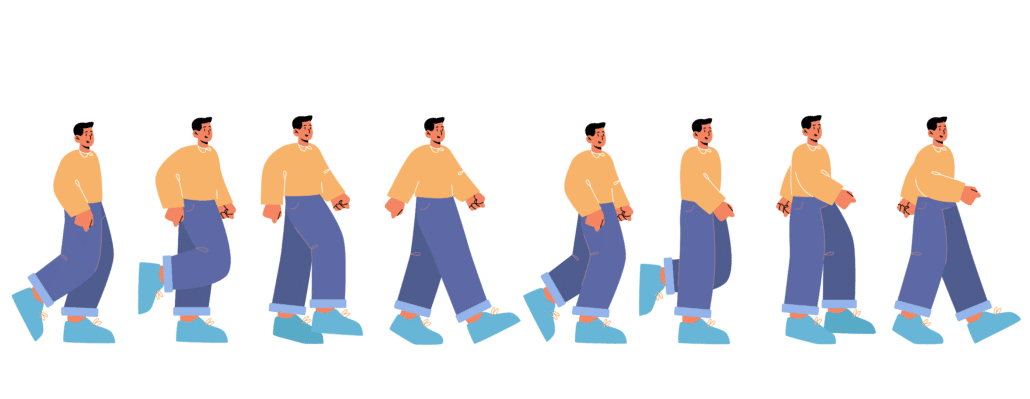
Organizations that regularly create video content can save significant time by maintaining reusable animation assets.
Examples include:
- Animated logos
- Lower thirds
- Background loops
- Branded icons
- Character poses
- UI components
- Motion graphic templates
- Transition packages
- Call-to-action animations
Rather than recreating these assets for every project, they can be reused across multiple videos while maintaining consistent branding.
Over time, this library reduces production costs and accelerates future video creation.
When to Use Animation Instead of Live Action
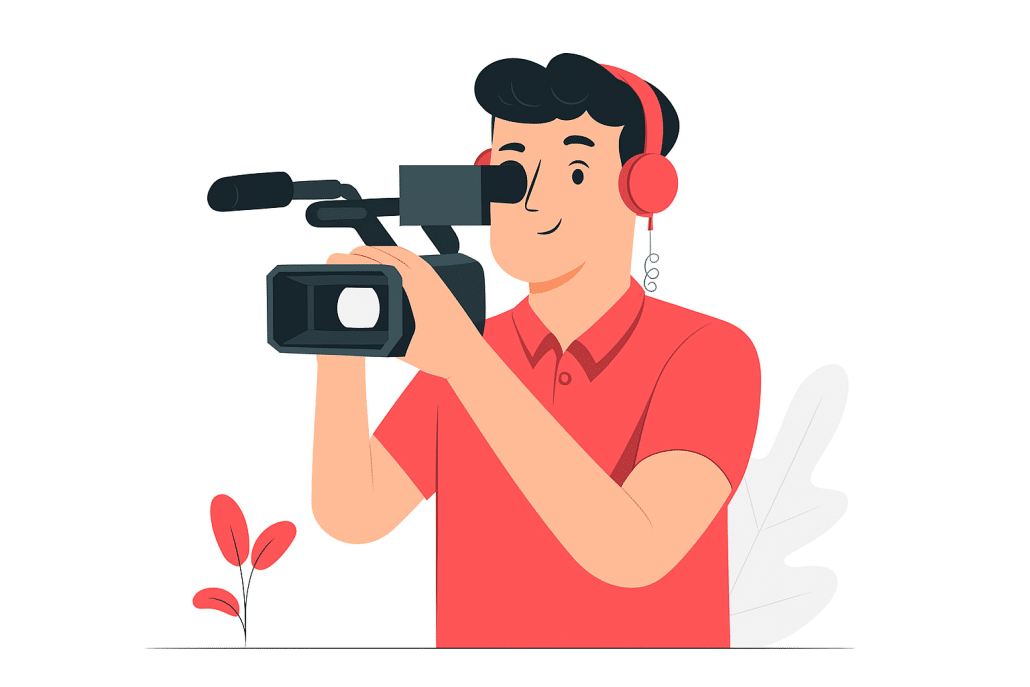
Animation and live-action video each have unique strengths.
Animation is often the better choice when you need to:
- Explain abstract concepts
- Visualize software
- Illustrate future products
- Show microscopic processes
- Demonstrate dangerous scenarios safely
- Simplify technical information
- Present confidential workflows
- Maintain evergreen content despite product updates
Live-action video, meanwhile, excels at showcasing real people, authentic customer stories, physical locations, and emotional testimonials.
Many successful marketing campaigns combine both approaches, using animation to clarify ideas while relying on live footage to build trust and human connection.
Future-Proofing Your Animated Videos

Businesses often underestimate how frequently marketing materials change.
Pricing evolves.
Features are added.
Brand identities are refreshed.
Regulations change.
Products improve.
When planning animation for video, consider how easily the project can be updated in the future.
A well-organized production workflow should preserve editable assets so your team can:
- Update statistics
- Replace screenshots
- Add new features
- Refresh branding
- Swap voiceovers
- Translate content
- Create shorter social media edits
Thinking beyond the initial launch dramatically extends the lifespan and value of your animated video investment.
Rather than treating animation as a one-time deliverable, successful organizations build a growing library of reusable video assets that evolve alongside their business.
This long-term approach maximizes return on investment while ensuring every new animated video benefits from the creative work that has already been completed.
Animation For Video Production Resources

The following guides and resources are popular among people reading about how to create an animation for an existing video project:
9 Things To Look For When Choosing An Animation Studio
How To Make Video Animations With Video Igniter
Read The Animated Video Production FAQ
How To Hire And Work With An Animation Video Company
Animation For Video Wrap Up
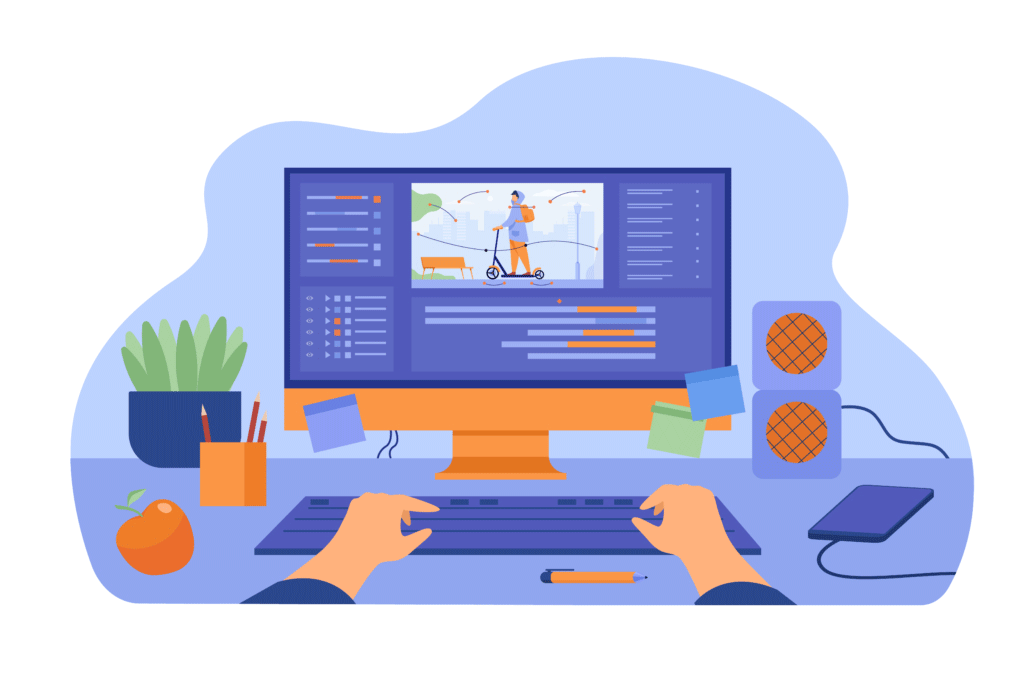
Adding animation into your videos is a powerful way to engage and captivate your audience. With Video Igniter, you have a reliable animation producer that simplifies the process of creating and integrating animations into your videos.
Whether you’re a marketer, content creator, or business owner, Video Igniter offers custom animation production in a wide range of visual styles, helping you create high-quality animated video clips to add to your video content.
By understanding the power of animation, you can create increase the engagement rate of your videos and leave a lasting impression on your audience. Don’t miss out on the benefits of animation. Your audience will thank you for it.
Still have questions about creating an animation for your video?
Do you have a question about creating an animation for your video that wasn’t addressed in this FAQ? Use this form to send us your question and we’ll follow up with an answer. We’ll also post the question and answer to this page so other people can benefit from the knowledge.

What is Video Igniter Animation?
Video Igniter Animation is an online animated video production service. By working with our team online, you can get your custom animated video produced faster and for less than hiring a brick and mortar animation studio.
We can help you create any kind of 2D animated video or 3D animation you can imagine. Check out our animated video portfolio!
Watch our explainer video on our home page to learn more about how we can help you create an animated video. For examples of the kinds of animation our team can produce, check out the demo reel below:
Looking For An Animated Video Company In The U.S.?
Video Igniter is headquartered in Seattle, Washington.
Animation For Video Success Stories & Testimonials
Don’t just take our word for it – these testimonials highlight Video Igniter’s reliability, creativity, flexibility and ability to deliver animations that exceed expectations. When you choose Video Igniter Animation, you can rest assured that you are working with a trusted and reputable studio.
“Video Igniter were very easy to work with and the entire process for creating and suggesting edits was seamless and stress-free. I would work with them again and would recommend to others looking to create a modern and stylish explainer video.”
Clair Simpson – VP Marketing, Repool.com
“I run a video production company and outsource animation. The team at Video Igniter did a great job in taking the concept I very crudely drew out and making it into a beautiful animation. The review process was easy and their turnaround time was very quick. I’d def recommend them if you’re looking for an animation project.”
Pat Henderson – Founder, Path8 Productions
“Video Igniter came to us with a number of creative and engaging ideas and were able to create an exciting, impactful video in a short period of time. And the best part was that it cost much less than other options of similar quality. The video they made is a great marketing tool for us.”
Alex Raymond – Founder, Kapta Systems
“Video Igniter offered us the critical combination of creative value, clear communication, and patience with stakeholder feedback. We ended up with truly high-quality design assets for our video series largely due to the extra level of commitment — and the right balance of efficiencies with flexibility in the process when called for.”
Larry Schlessinger – Sr. Creative Program Manager, Amazon Web Services

Looking to create an animation for video? Get in touch!
Schedule a call to discuss your animated video project.
Get a quote for us to create your animated video.
Request access to our newest price sheet.
Get a custom quote for your animated video and our production team will follow up with next steps.